
Crisis scenario
Cyberattack
In a cyberattack, the very channels a crisis team normally relies on often fail: email, intranet, file storage. URGENTpublish runs separately from your own IT.
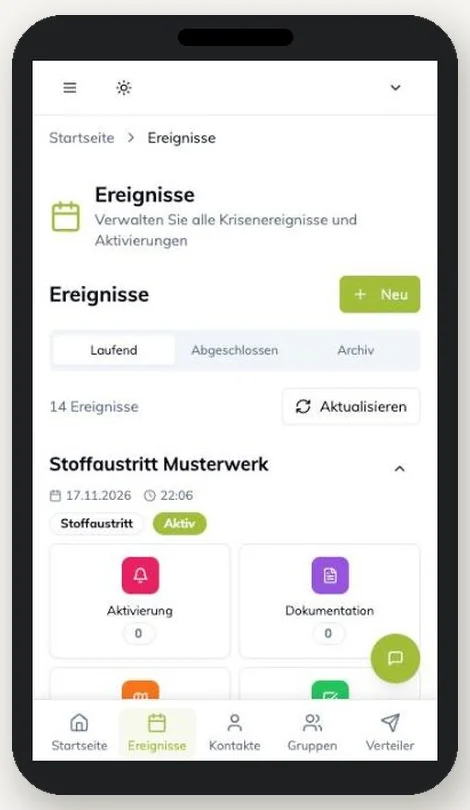
Demo tenant, demo data
The first hour
How it works with URGENTpublish.
Alert
Call the crisis team together by SMS and voice call, even when email no longer works. The Smart Conferencing Room is available when alerting.
Record the situation
What is affected, what is known and what is not: documented in the incident and visible to everyone in the team.
Decide
The FORDEC assistant guides you from the situation briefing to a documented decision, for example whether to take systems offline.
Inform
Agreed messages to staff, customers and partners, approved before they are sent.
Typical triggers
How it can start.
- Ransomware with encrypted data
- Data leak involving customer data
- Denial-of-service attack (DDoS)
- Admin accounts taken over after phishing
- Supply chain attack
- Misused employee accounts
How the platform helps
The features behind it.
Second channel
Communication via a separate installation outside the corporate IT, on a computer or a smartphone.
Learn moreApproval before sending
Messages and holding statements from prepared text templates, approved in the workflow.
Learn moreLook it up in the manual
The digital crisis manual; CrisisSteward answers questions about its content.
Learn morePrepare
Practise the situation beforehand.
We train scenarios like this with your crisis team before things get serious.
Ready for the first hour?
We show you the platform using an example scenario from your industry, with demo data.